Size Station Posting Best Practices
First of all, thank you for wanting to interact with this community! Be that discussion topics, games, drawings, comics, animations, 3d renders, writing, photography, or whatever else. To ensure that the forum is organized and readable for it’s users, please consider the following best practices when making a new post.
Note: Please read our general guidelines first!
Forum Etiquette
This is many people’s first time using a forum, it is important then to clarify good practices when making posts to this platform:
Multiple posts from a single user in a small amount of time can end up blotting out the topics of several other people. Be considerate!
One thing to keep in mind is to treat posts as conversation topics- If you have multiple images that are similar, if they would share the same tags, for example, it’s good practice to create only one topic for them.
However, staggering your posts over a period of time is a good alternative should you prefer. To be more specific, please try to maintain the number of posts to less than 3 in a category for every 30 minutes. These are not strictly enforced rules, but to it’s good to keep them in mind to ensure that everyone has space for their discussions, art, stories, etc!
Tags are not only important to make your work easier to discover, but also to enable content filtering to those in the community who are not comfortable with a particular topic.
Additionally, as already mentioned in our guidelines, avoid creating new tags whenever possible! If already existing ones are enough to tag your post, using them will make it a lot easier for your topic to be searched (and possibly filtered) later.
For more details, read our tagging best practices!
Note: Posts are already searchable by username, no need to include your name as a tag
To improve accessibility within the forum, it is encouraged to use the alt text feature to briefly describe the images that were posted, as to how to use said feature, that will be touched on in the next section.
Organizational Tools for Media
Note: The UI elements described here are present in Rich Text Editing mode, you can swap between Rich Text and Markdown on the left-most toggle above the text box where you write your post
When posting multiple images or videos in one post, there are a few tools available to improve the reading experience of your topic:
By default, images will be uploaded and displayed in sequence, with text wrapped around it. When uploading images, you may choose to scale it, as well as to add alt text to each image individually, as an example:
[1]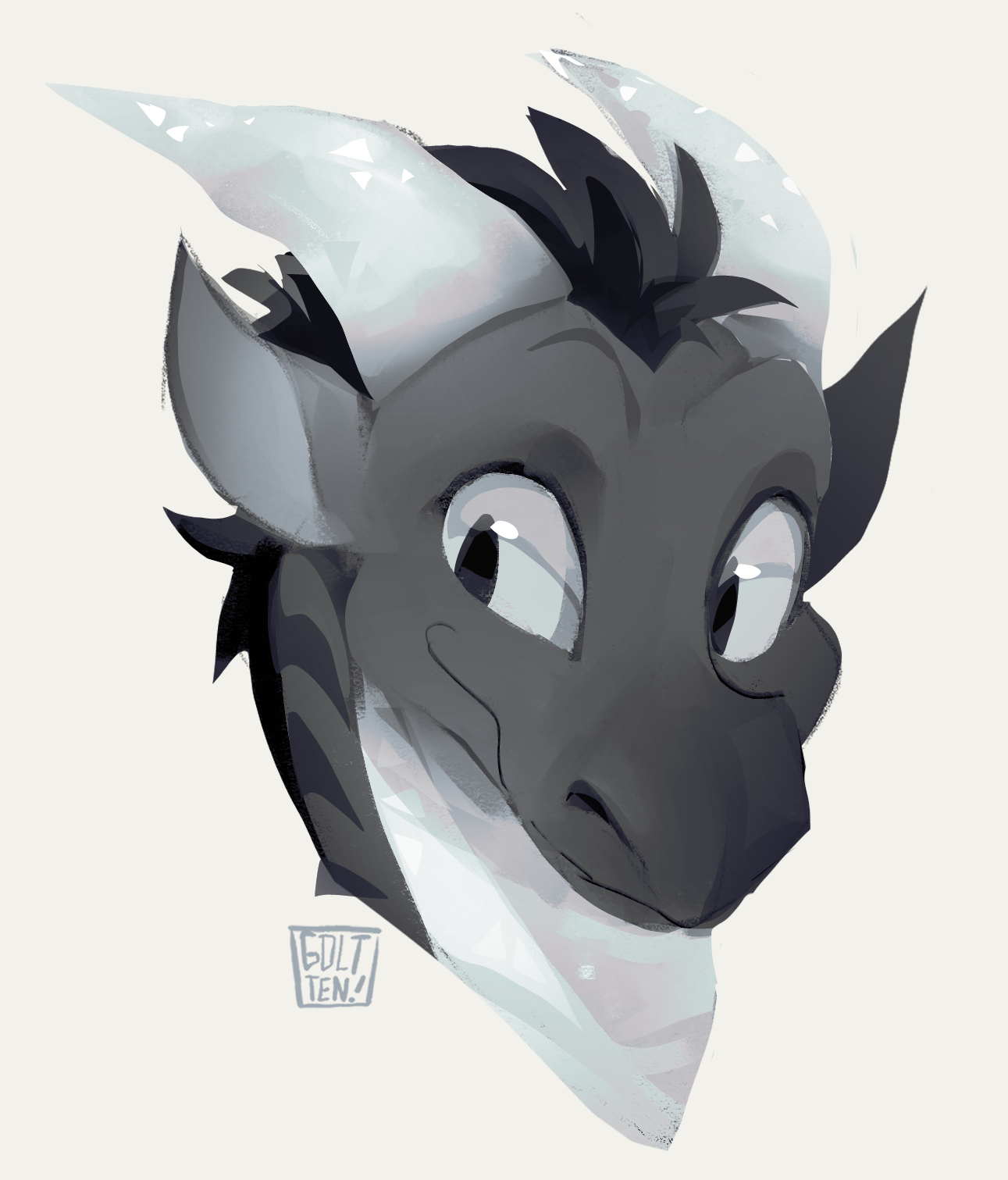
This image was reduced to 75% scale, with an alt text added as “Headshot drawing of a crystal dragon“
Within the UI, this is what you will see after dragging in the image and hovering ontop of it:
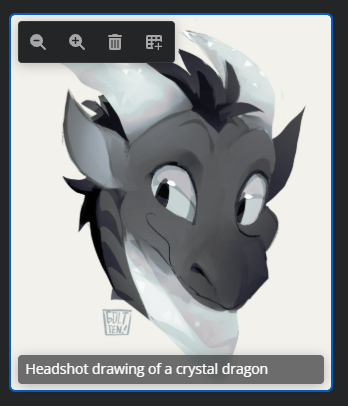
The options on the top left are respectively used to scale down the image, scale up the image, remove the image, and to add the image into a grid view.
The alt text is the text box on the bottom of the image, it will be default be the name of the file that was uploaded, but it can be altered to describe the image properly.
Grids
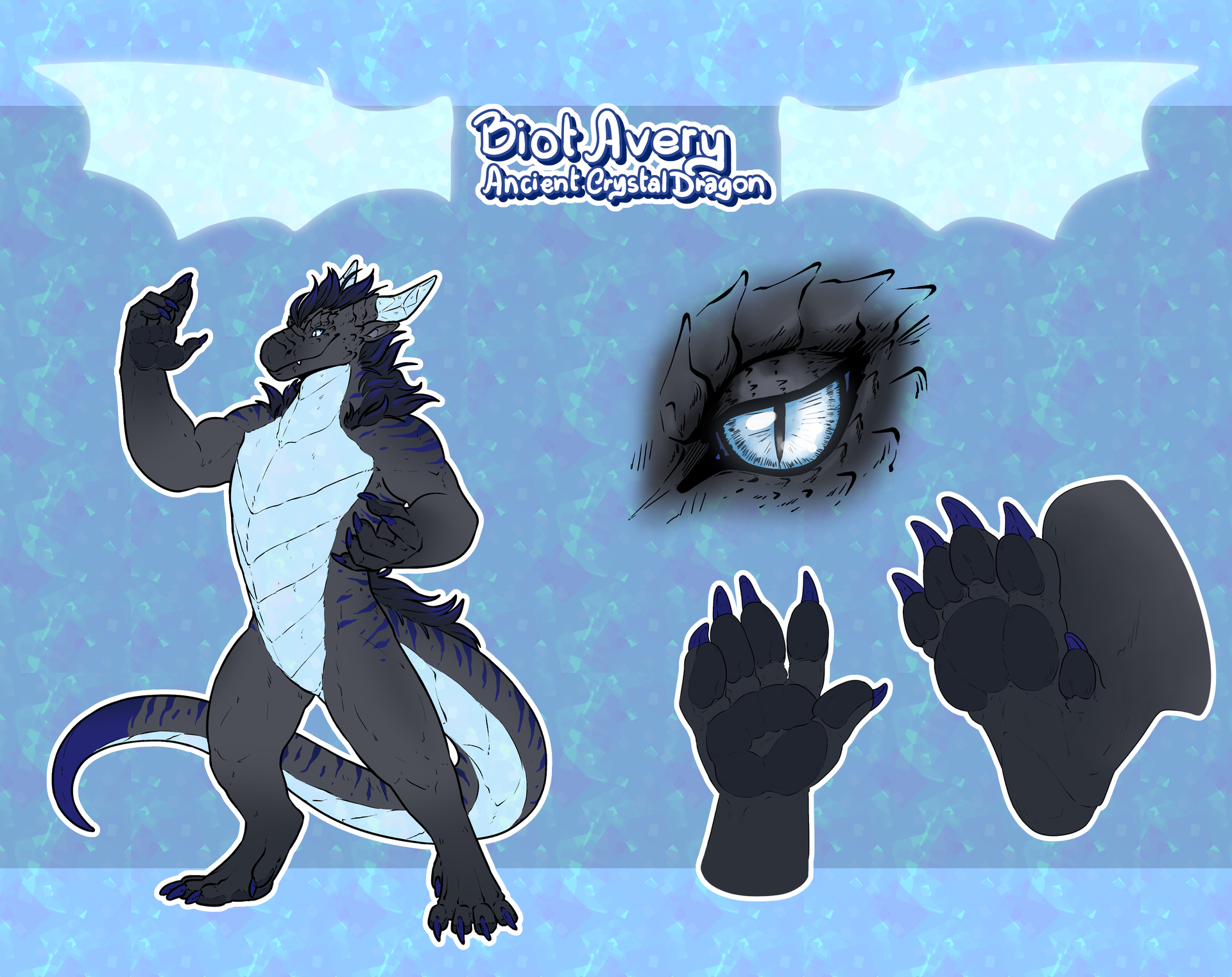
Grid views are a way to display multiple pieces of media in an organized, easy to visualize way. For example, here is a grid view of a few images: [2]
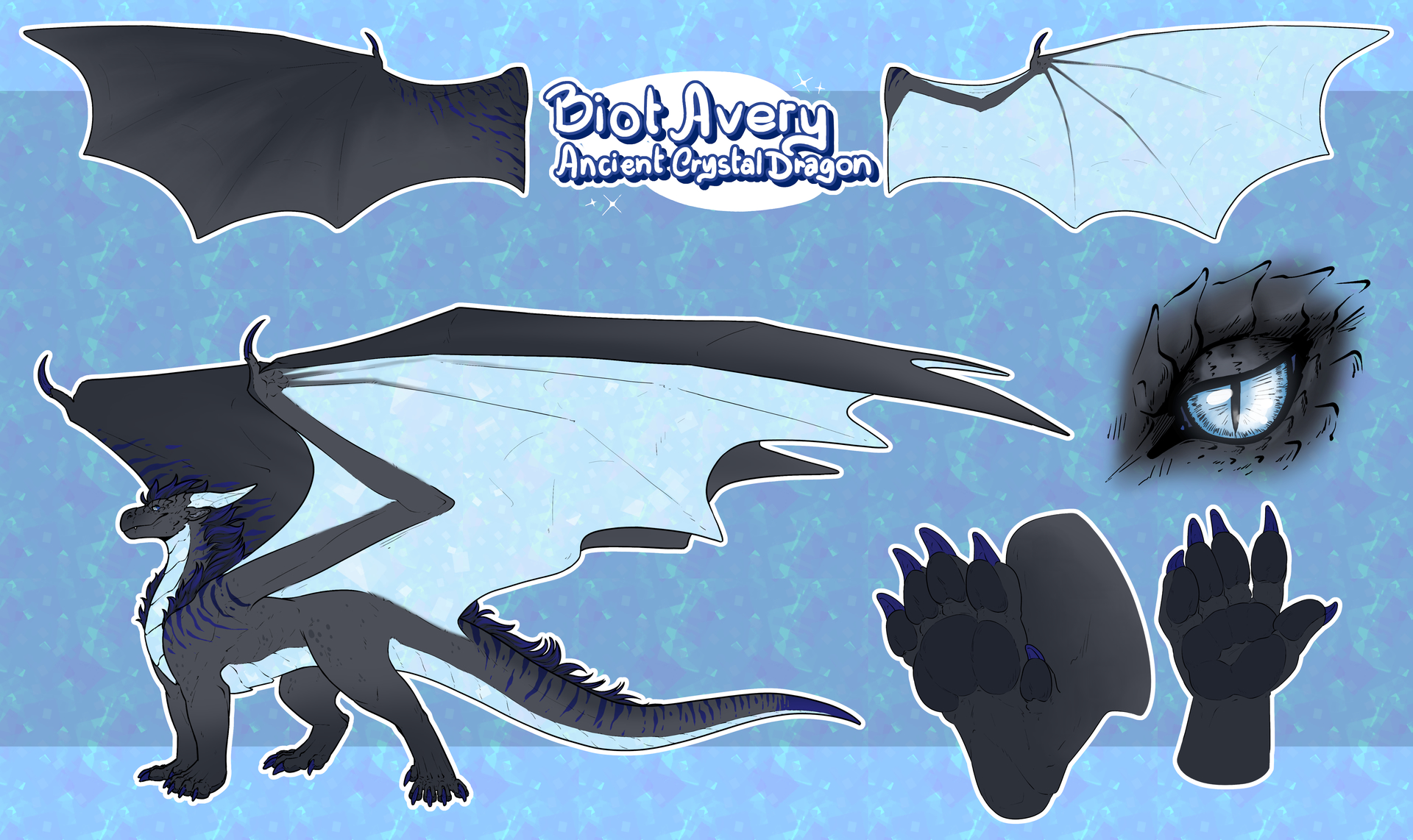

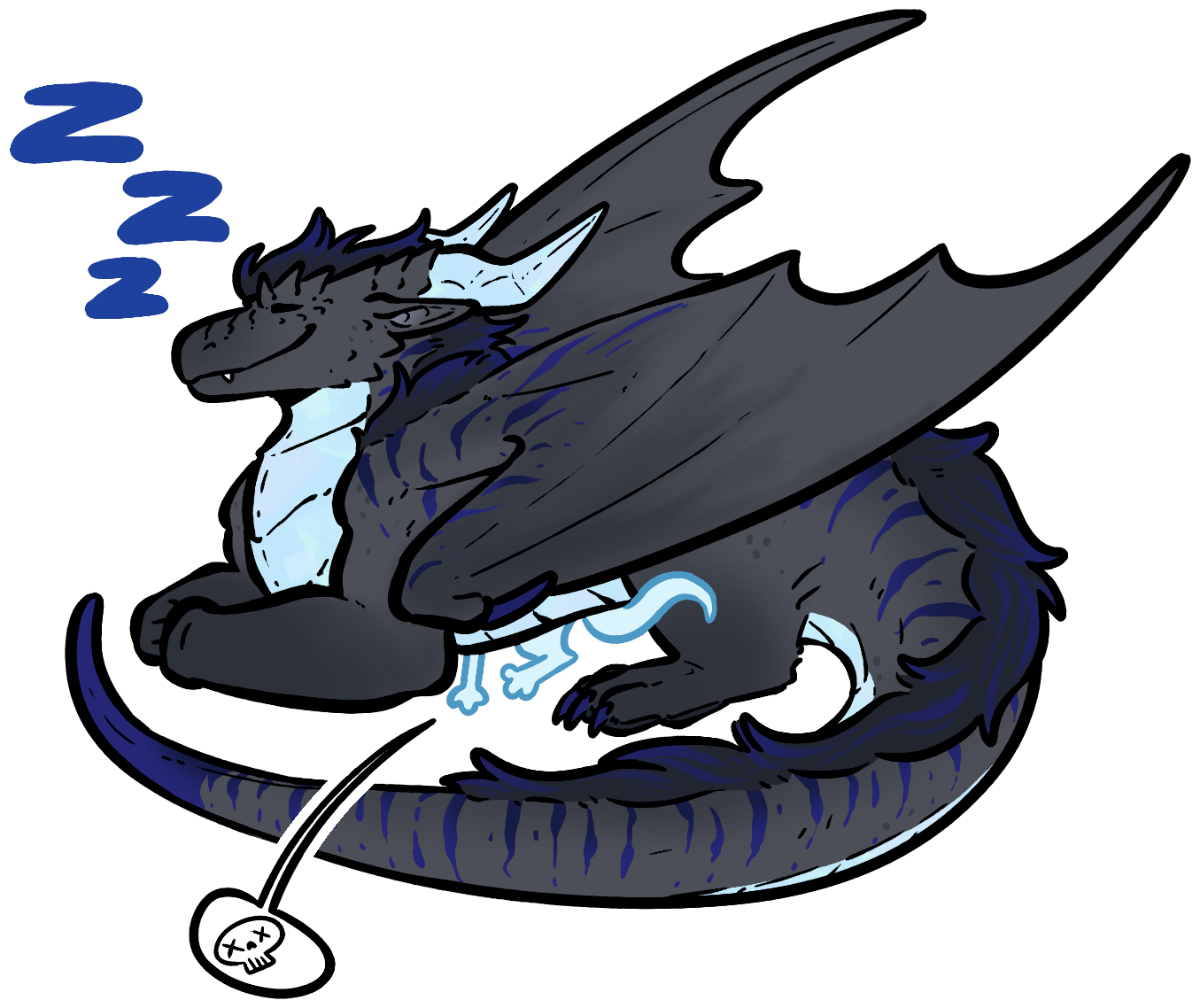
There is also another option for grid visualization, carousels, which display images as follows:
When you first upload an image, to add it to a grid, use the “add to grid” button on the top right of the options that appear when you hover over the image
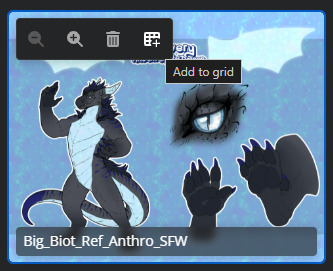
After adding the image to a grid, it will be displayed as such:
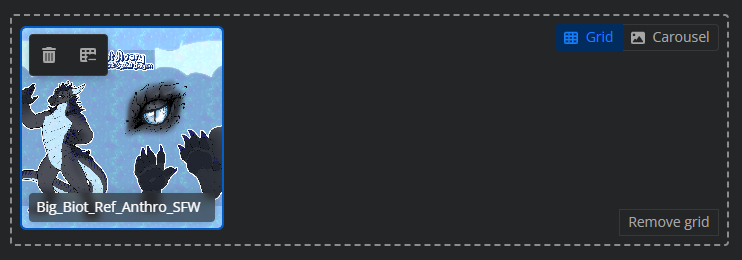
To add more images to the grid, you will need to upload them as before, and drag them inside the box that was created when the grid was added. Alternatively, you can also press “Add to grid“ on images, and if they are adjacent to a grid, they will be added to it. To swap between grid and carousel view, you may use the toggle on the top right.
Organizational Tools for Text
Beyond the options available for media, there are also other ways to organize the text on your posts that are present within the options on the top bar.
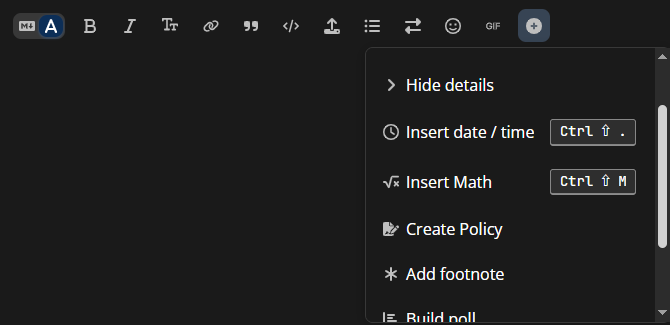
You’ve already seen some of them used within this post! Headings, Links, Bulleted Lists, Footnotes.. But here are some more examples:
”Hello! Would anyone be up for some board games at around 7:00:00 PM this next saturday?”
”Kaijus are pretty cool, though in the last godzilla movie SPOILER SPOILER SPOILER SPOILER”
“Should Mid be bigger? Please vote below:“
- Yes
- Absolutely
- Definitely
- For sure
In Summary…
There are lots of options! Feel free to explore them as you wish
This post may be updated as time goes on and discussions are had about what to include here, but for now.. Thank you for reading!
Artist Credit - Golttenpanger
Artist Credit - DaxlMonitor